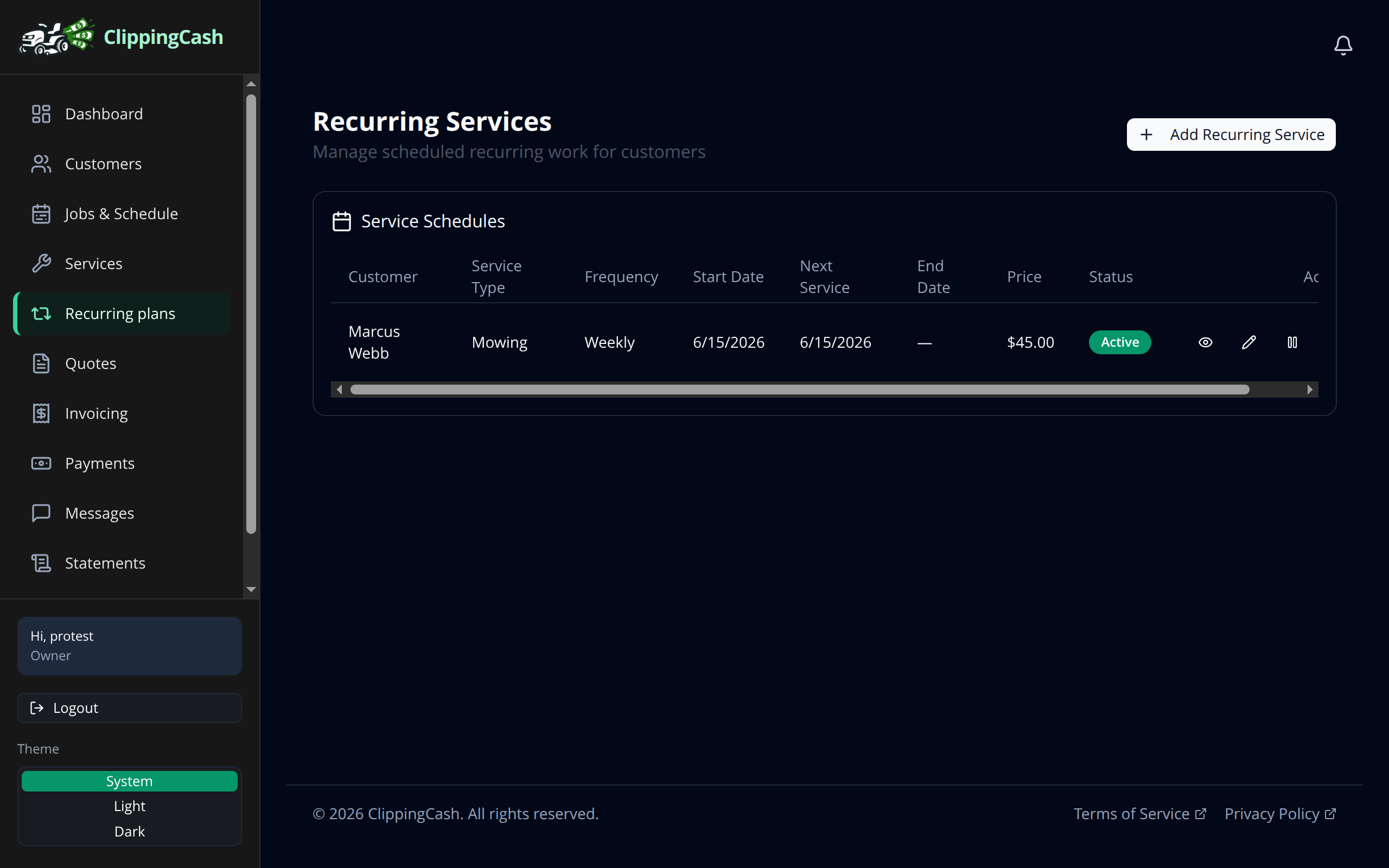
Most lawn care work repeats: weekly mows, bi-weekly trims, monthly cleanups. Set up a recurring plan once and ClippingCash keeps putting the jobs on your schedule so you never have to remember.
1 Create a recurring plan
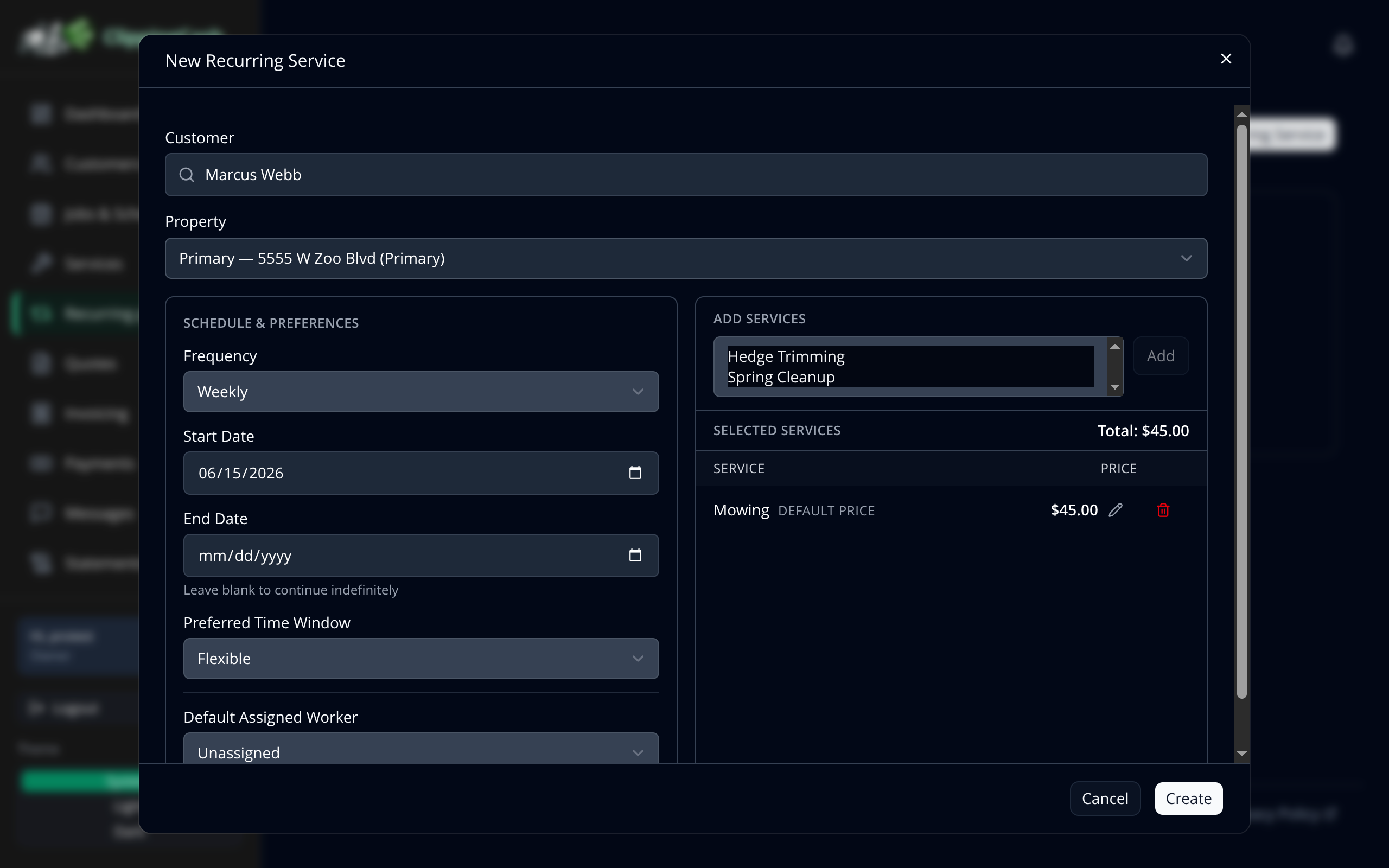
Go to Recurring plans and click Add Recurring Service. Pick the customer, choose how often the work repeats (weekly, bi-weekly, monthly, and more), set a start date and a preferred time window, then add the service. The price comes straight from your catalog.
Entering a plan late, with a start date that has already passed? The form tells you: This date has passed. The first visit will be the next date on the plan’s schedule, because ClippingCash does not book visits in the past. If you did do (or still owe) that first visit, tick Also create a one-time job on the past date, and it is added as a one-off job with the plan’s service, price, property and worker.
2 Let it run
Your active plans show the customer, service, frequency, next service date, and price. ClippingCash creates the jobs for you on schedule. Pause a plan when a customer takes a break, and turn it back on when they are ready.