Customers read texts. They do not always answer calls or open email. ClippingCash has two-way texting built in, so reminders, quote updates, and invoice links go straight to their phone, and their replies land back in the app, not on your personal cell.
1 Open Messages
Click Messages to see your inbox. Every conversation lives here, tied to the customer record. Texts a customer sends to your business number show up in this list, so the whole thread stays in one place.
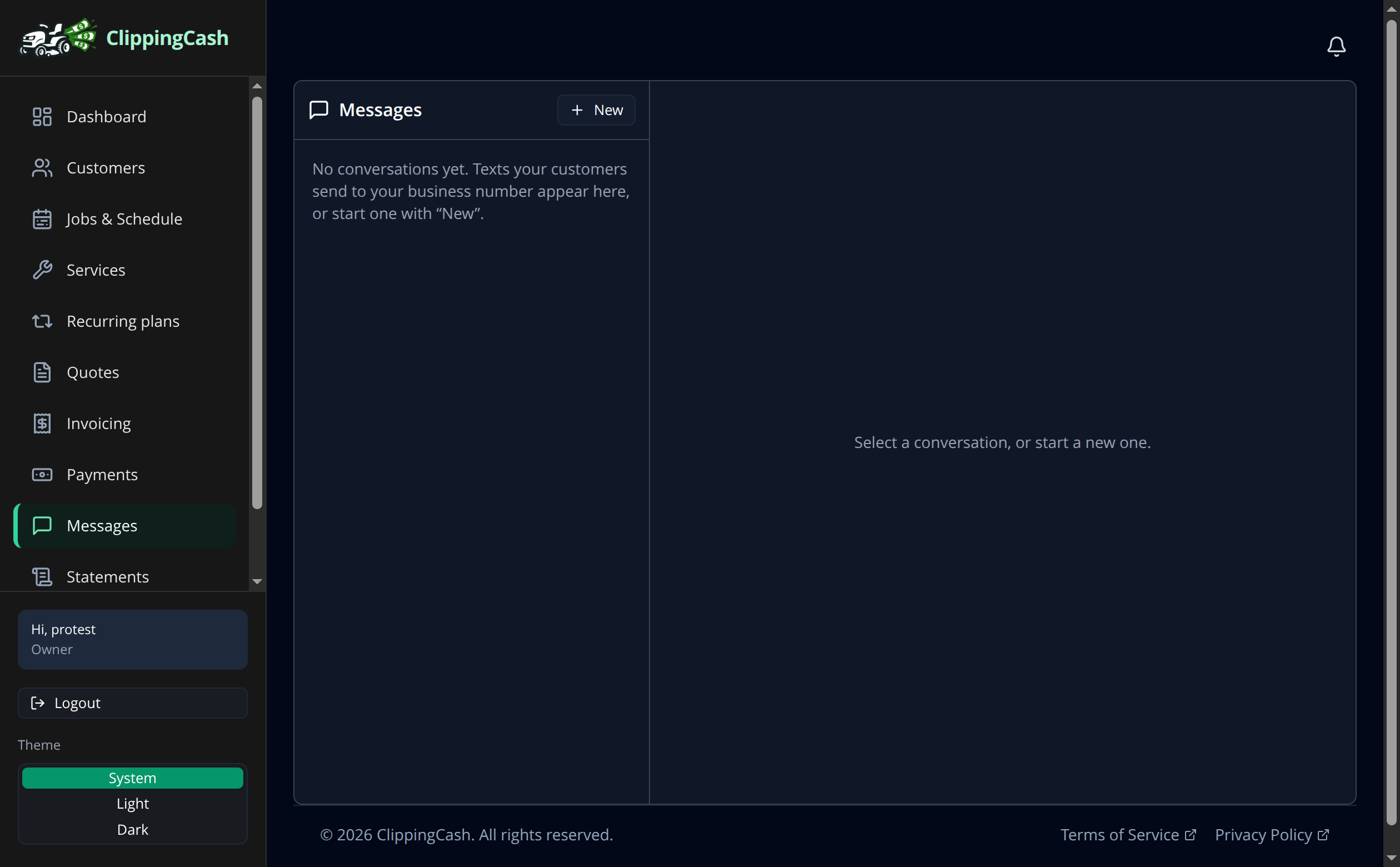
2 Start a conversation
Click New to text a customer. You can also send automatic appointment reminders before service, and fire off quote and invoice texts so customers can review and pay from their phone. Replies are always free and never use your text credits.