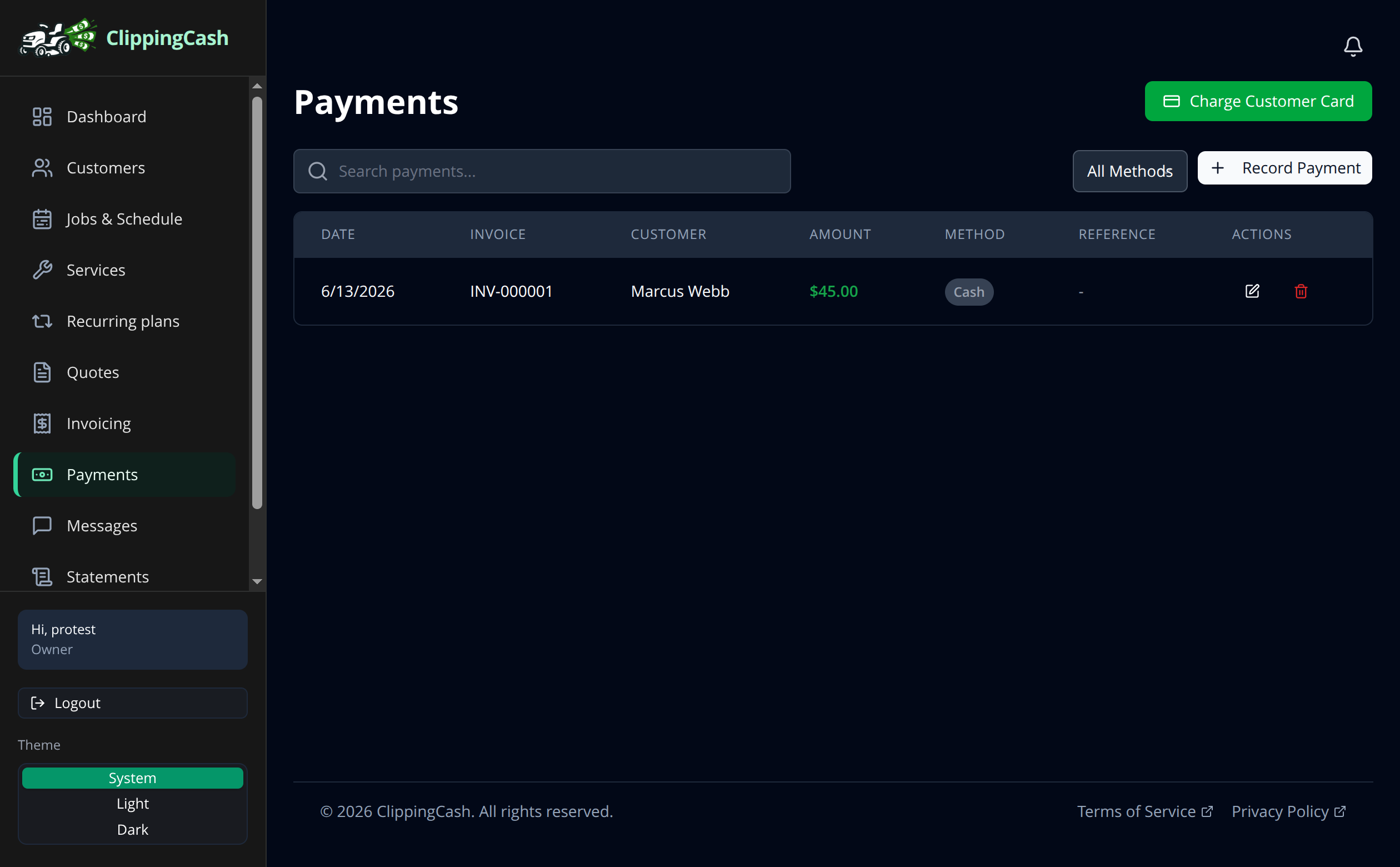
Card payments get you paid faster than waiting on checks. ClippingCash uses Stripe to process cards, and you keep every dollar you charge. You only pay Stripe’s standard rate, never a cut to us. Here is how to turn it on.
1 Connect Stripe once
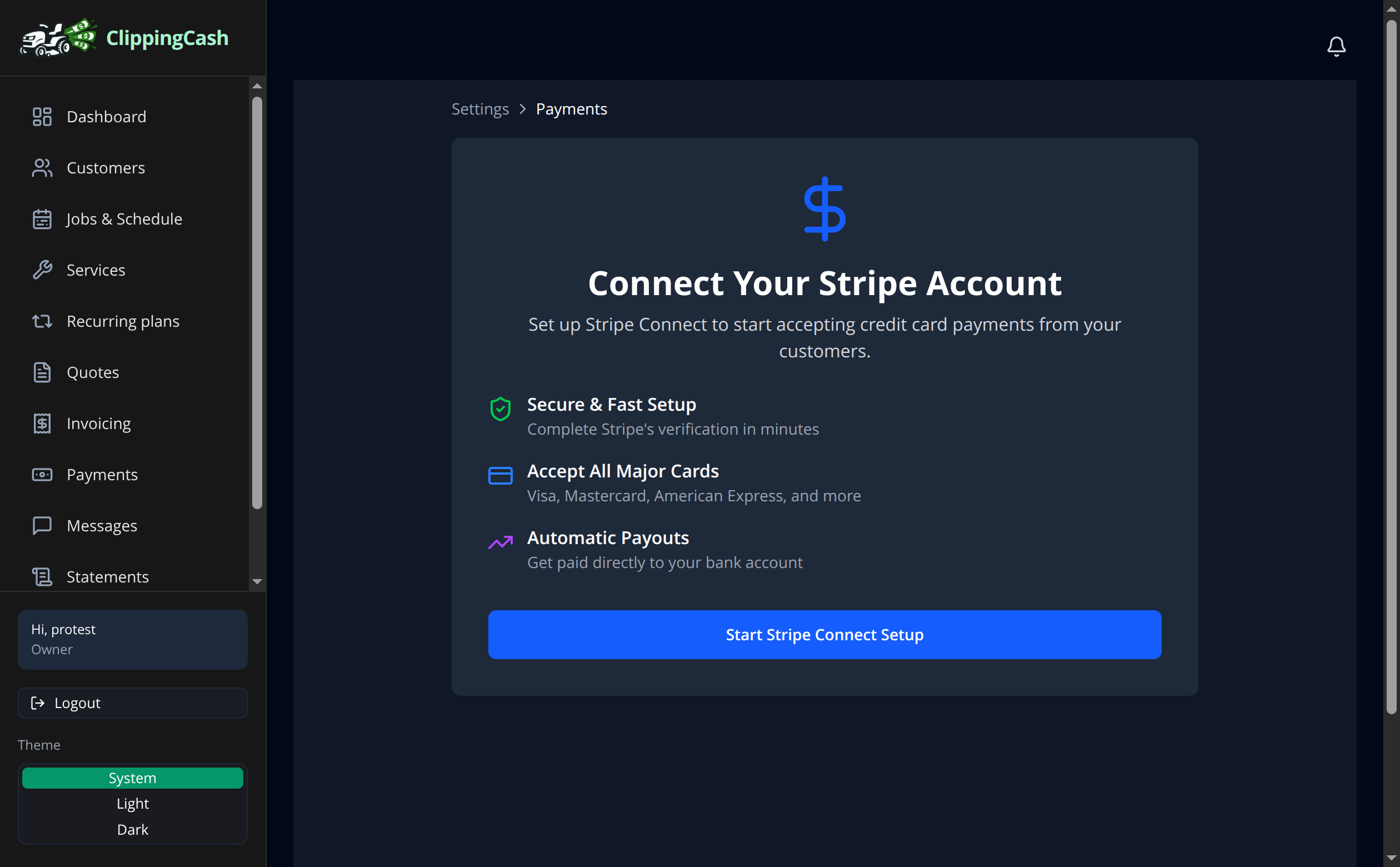
Go to Settings and open Stripe & payment settings, then click Start Stripe Connect Setup. Stripe walks you through a quick verification so payouts land in your bank account. You only do this once.
2 Get paid by card
Once Stripe is connected, customers can pay by card straight from their invoice or the customer portal. Every payment shows up under Payments with the date, customer, amount, and method, so your books stay current without any extra entry.