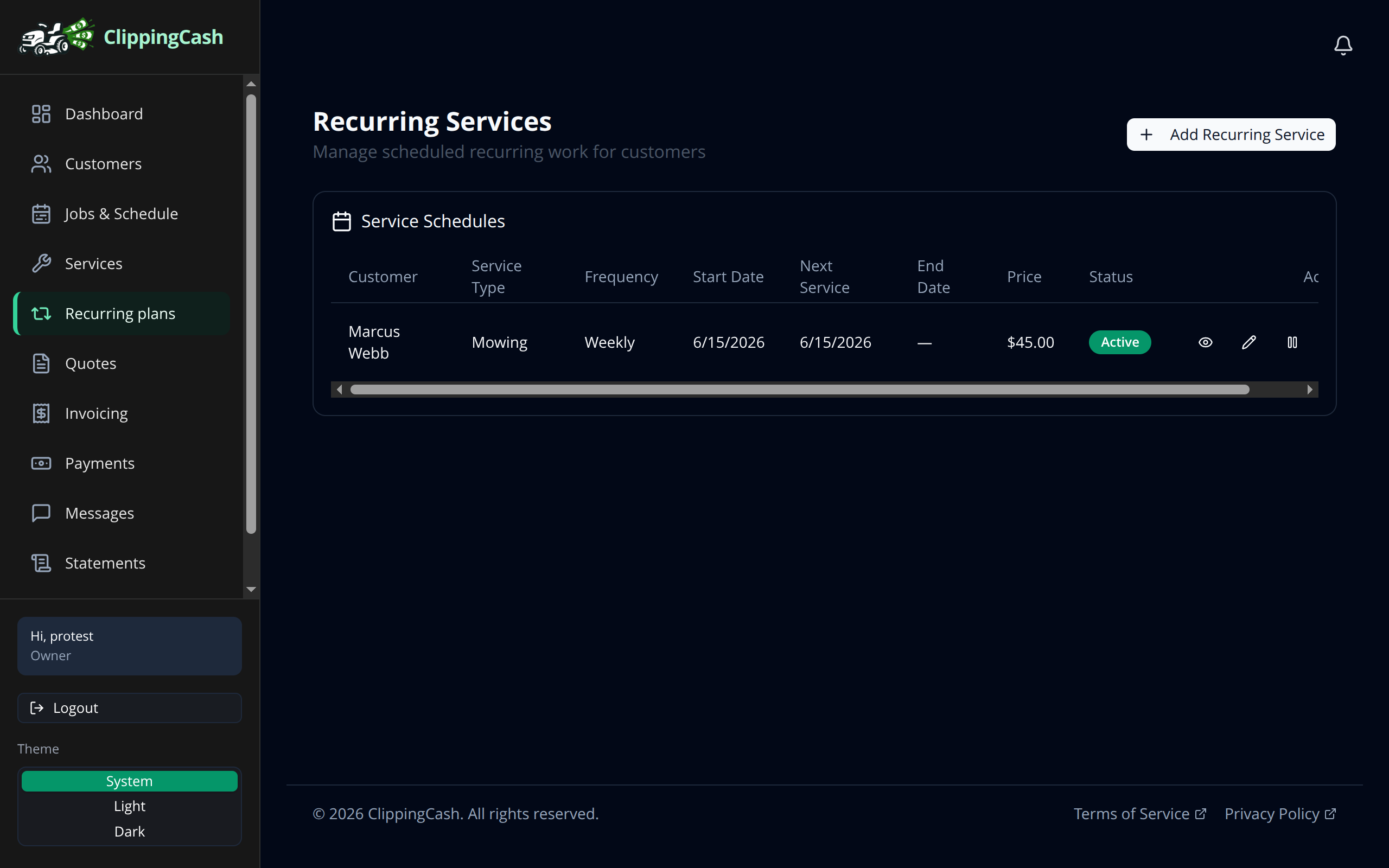
Most lawn care work repeats: weekly mows, bi-weekly trims, monthly cleanups. Set up a recurring plan once and ClippingCash keeps putting the jobs on your schedule so you never have to remember.
1 Create a recurring plan
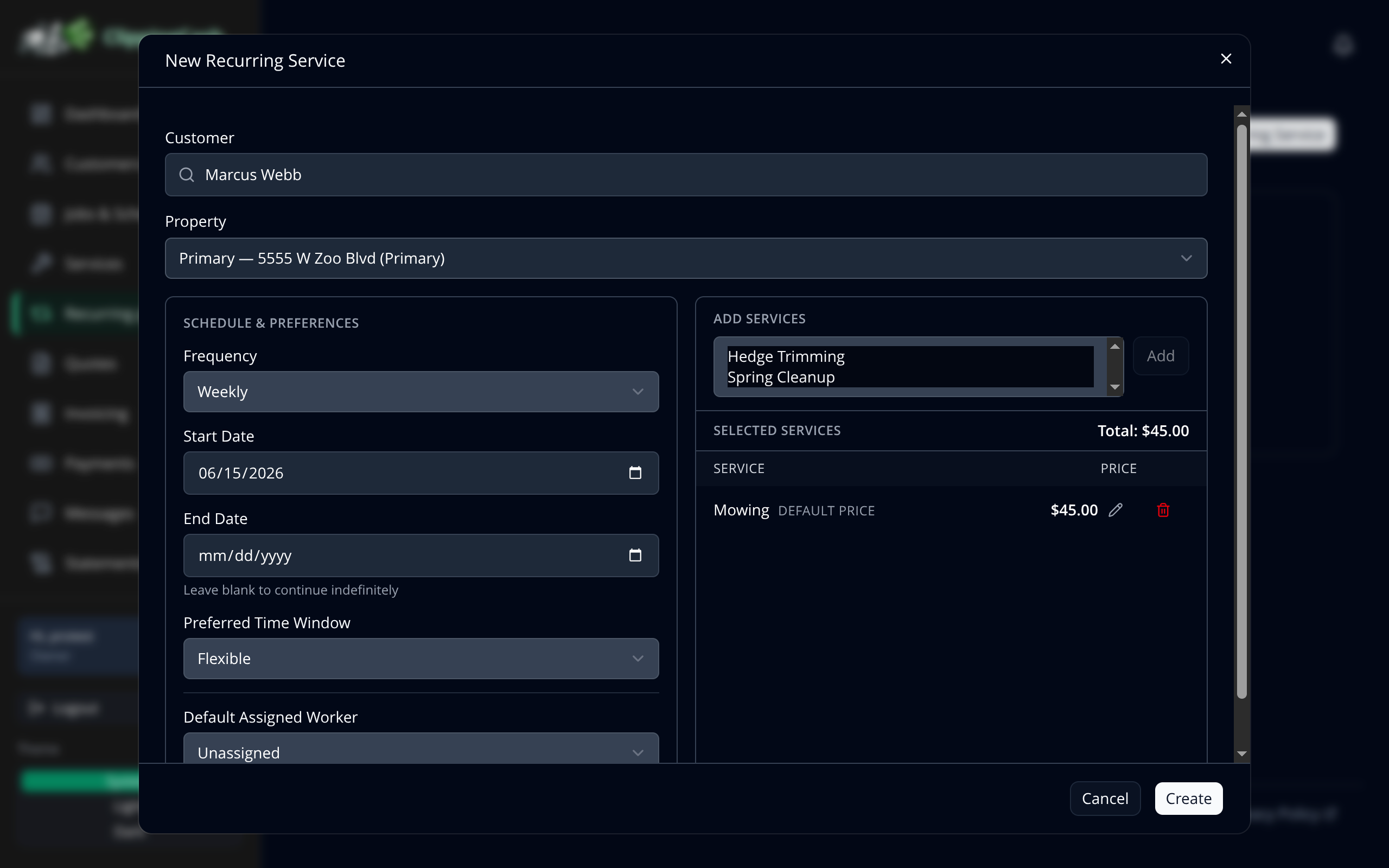
Go to Recurring plans and click Add Recurring Service. Pick the customer, choose how often the work repeats (weekly, bi-weekly, monthly, and more), set a start date and a preferred time window, then add the service. The price comes straight from your catalog.
2 Let it run
Your active plans show the customer, service, frequency, next service date, and price. ClippingCash creates the jobs for you on schedule. Pause a plan when a customer takes a break, and turn it back on when they are ready.