A statement is a tidy summary of what a customer was charged and what they paid over a stretch of time. It is handy at month end, or when a customer asks for the full picture. ClippingCash builds it in a couple of clicks.
1 Choose a customer and a range
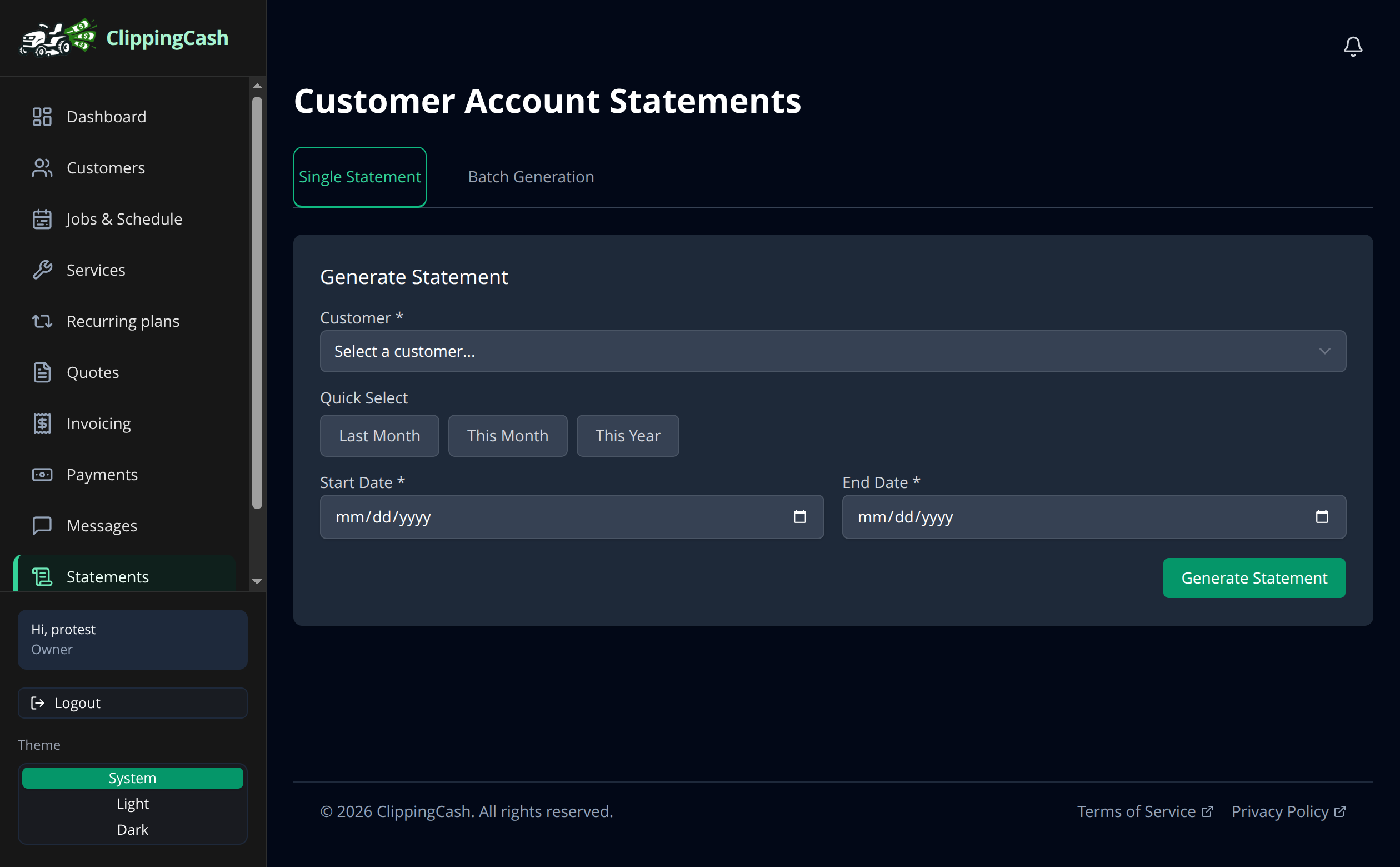
Go to Statements. On the Single Statement tab, pick the customer, then choose a date range. Use a quick preset like Last Month or This Year, or set your own start and end dates.
2 Generate and share
Click Generate Statement to build a clean summary of charges and payments for that period. Share it with the customer, or use Batch Generation to run statements for everyone at once at the end of the month.