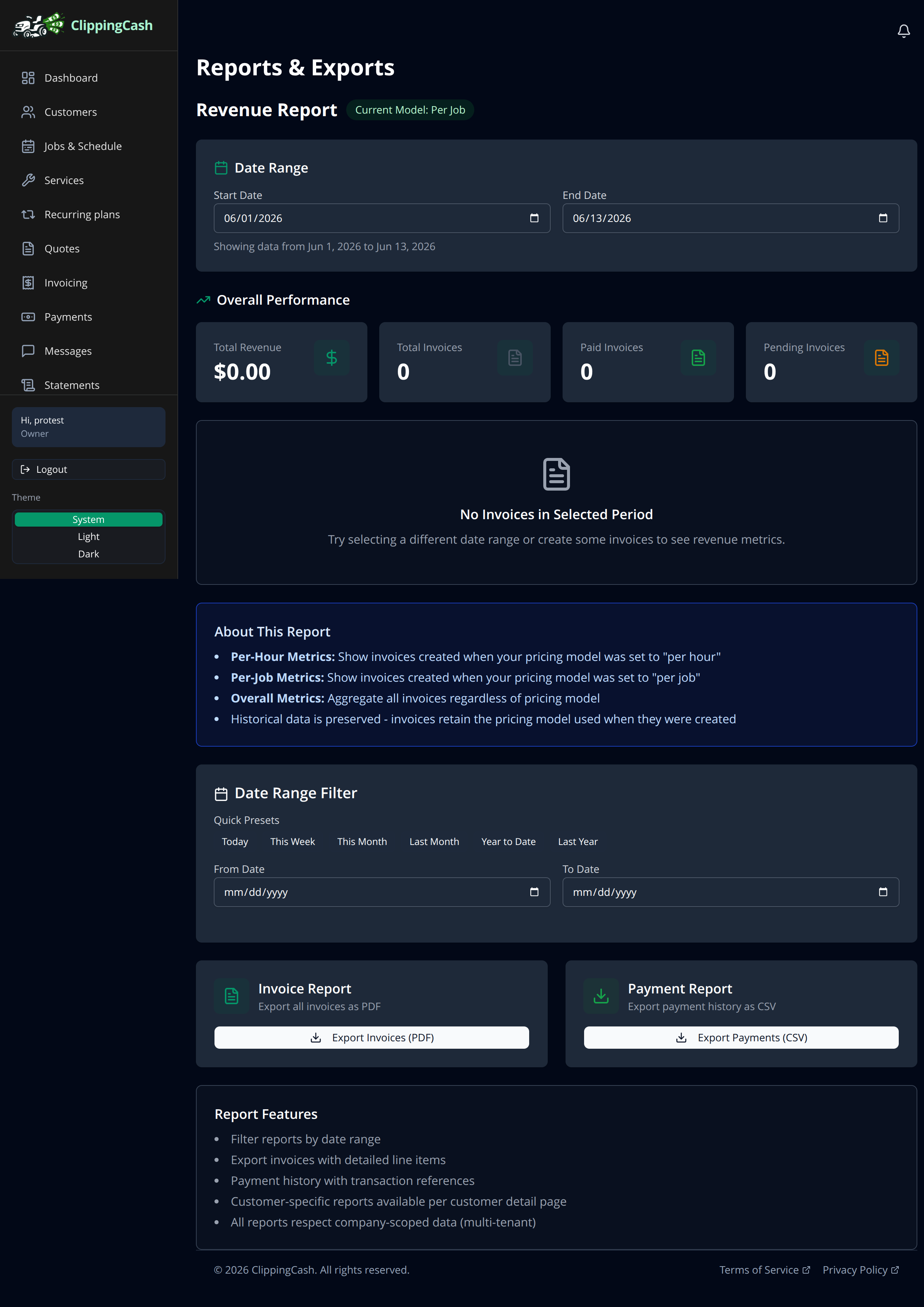
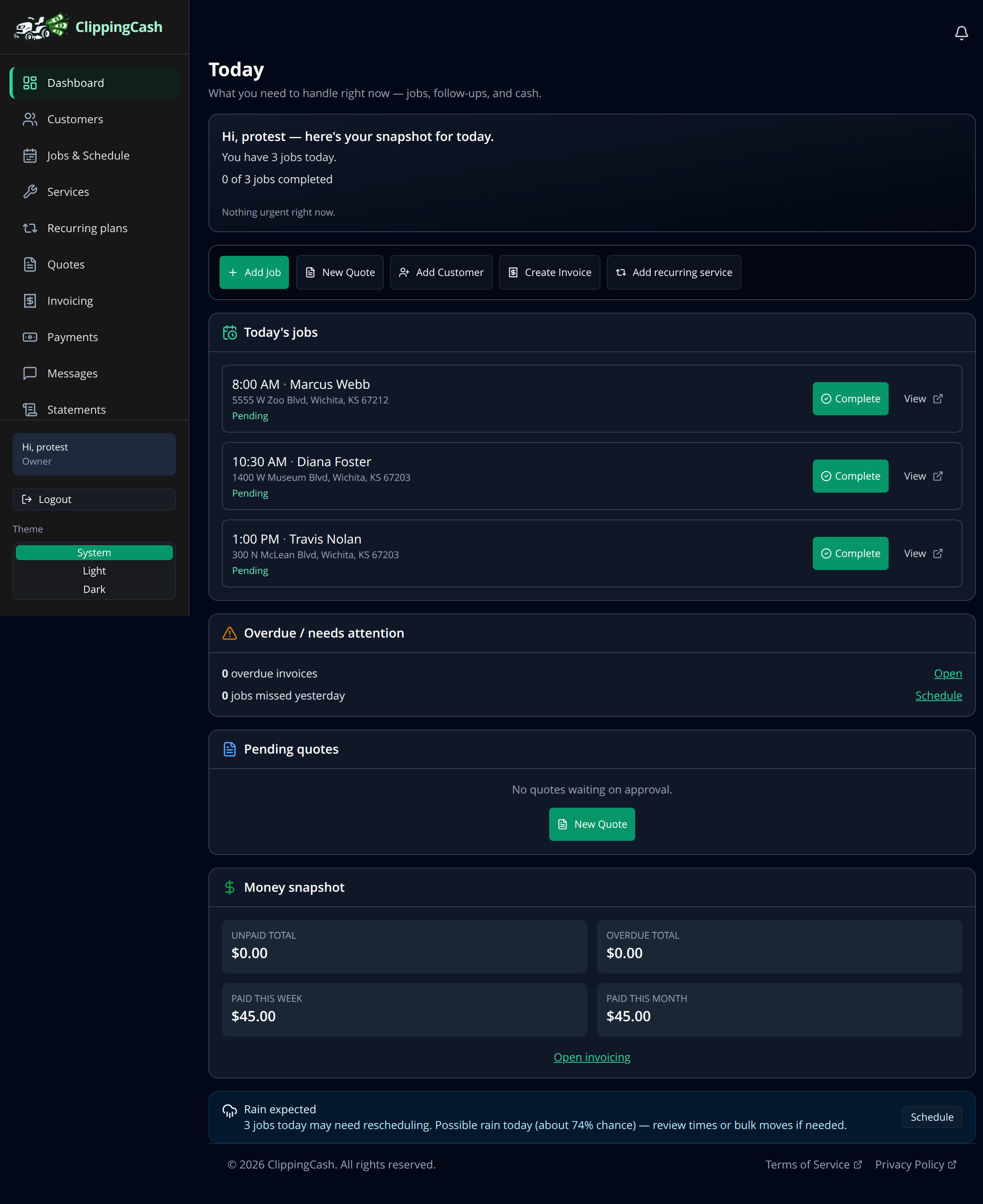
The dashboard answers “what do I need to handle today?” Reports answer “how is the business doing?” Between them you always know where you stand, and you can export the numbers when your accountant asks.
1 Start your day on the dashboard
Open Dashboard for a snapshot of today: how many jobs you have, which ones are left, anything overdue, pending quotes, and a money snapshot of what you have collected this week and month. Quick action buttons up top let you add a job, quote, customer, or invoice in one click.
2 Dig into reports
For the bigger picture, open Reports. Pick a date range to see total revenue, paid and pending invoices, and performance over time. Export your invoices to PDF or your payments to CSV whenever you need the records for taxes or your bookkeeper.