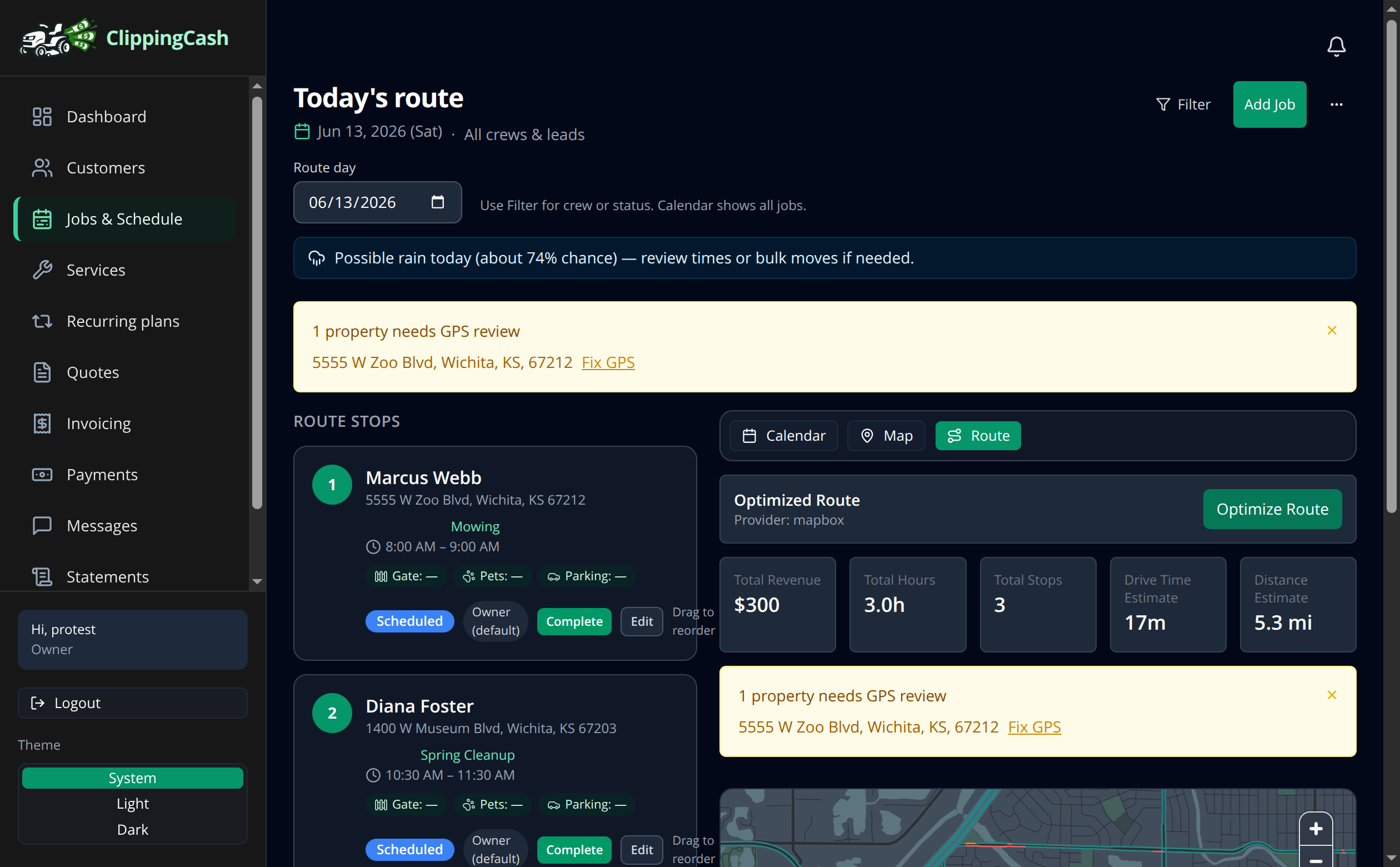
A tighter route means less gas, less windshield time, and more lawns per day. ClippingCash shows your day as an ordered list and can sort the stops for the shortest drive. Route optimization is included on every plan, not locked behind a higher tier.
1 See the day’s stops
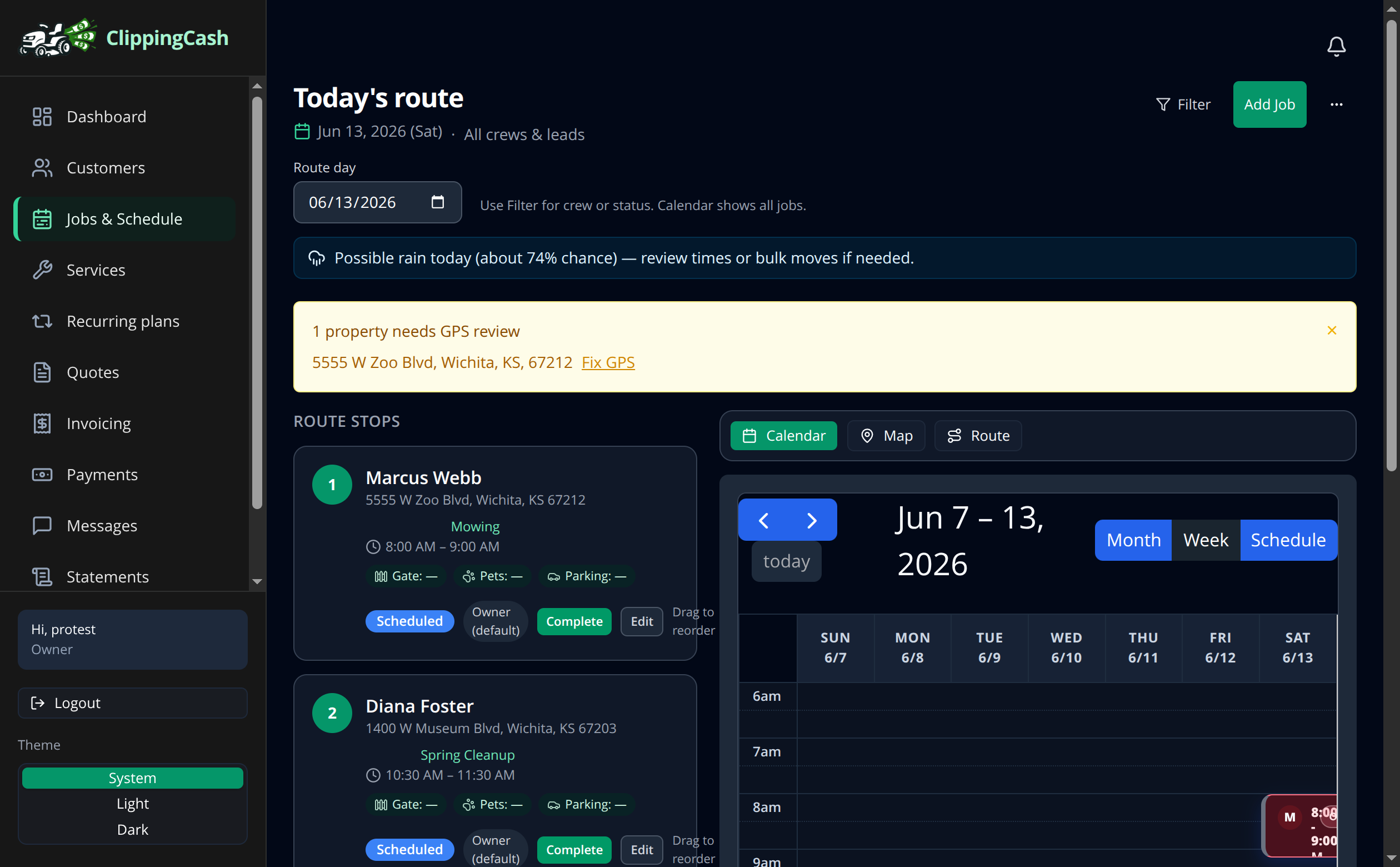
Open Jobs & Schedule to see today’s route. Each stop shows the customer, address, service, and time window. Drag stops to reorder them by hand, or switch to the Route tab to let the app do it.
2 Optimize and roll out
On the Route tab, click Optimize Route. ClippingCash orders the stops for the shortest drive and shows your total revenue, hours, drive time, and miles for the day. Now you know what the day looks like before you leave the driveway.